Website setup

Themes
Dark
Copyright
Copyright © 2026, Layten, All Rights Reserved
Copyright © 2026, Layten, All Rights Reserved
A Discord virus can steal your account, send malicious links to your friends, install malware, or compromise other accounts saved on your computer. Follow this simple step-by-step guide to clean your PC and secure your accounts.
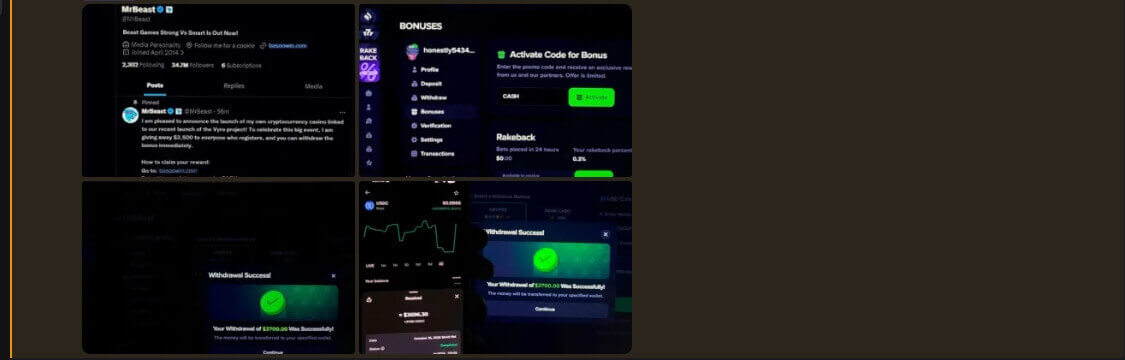
Download Malwarebytes from the official website, install it, update its threat database, and run a full scan of your entire PC. When the scan finishes, remove or quarantine every threat it detects.
After Malwarebytes has cleaned your PC, download HitmanPro and run a second scan. HitmanPro can detect additional threats such as trojans, keyloggers, rootkits, spyware, and other malware. Remove every threat found.

Once your PC is clean, change your Discord password immediately. Use a long, unique password and enable two-factor authentication (2FA) in Discord security settings.
Important: Download security software only from official websites. Avoid clicking links sent through Discord messages, even if they appear to come from friends.