Website setup

Themes
Dark
Copyright
Copyright © 2026, Layten, All Rights Reserved
Copyright © 2026, Layten, All Rights Reserved
You want a Server? Rent your own server
fully customized with
Layten Hosting
How to install Minecraft shaders
As with any Minecraft mod, you’ll need to do a little work to get prepared before you start installing shaders. To install most Minecraft mods , you can use a mod manager called Forge, but for shaders and texture packs, you’ll want to use a tool called Optifine.
On its own, Optifine introduces some handy fixes to Minecraft, including increasing its frame rate, but it’s also essential to allow shaders to work. Optifine can be used with or without Forge.
Here's what you need to know before installing Minecraft shaders:
Need some help finding the coolest shaders on the market? Here are a few popular options, ranging from dark and moody to colorful and vibrant.
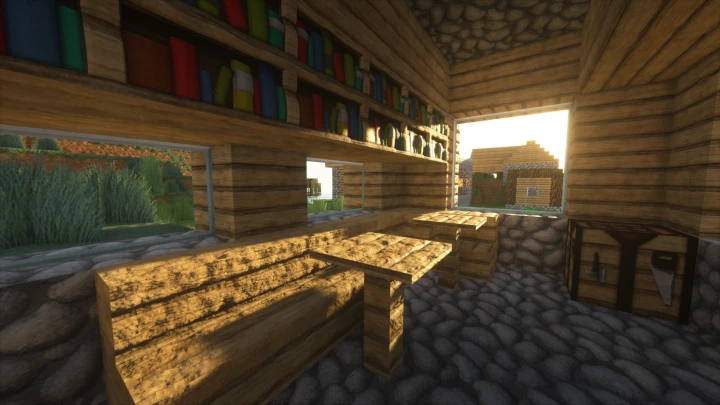
Minecraft players who have any experience with shaders have almost certainly heard of Sonic Ether’s Unbelievable Shaders. SEUS was one of the earliest shaders to hit the Minecraft modding community, and it’s remained one of the most popular visual overhauls ever since.
SEUS focuses on realistic lighting, favoring subtle effects over the wild colors and contrast some other shaders produce.
DOWNLOAD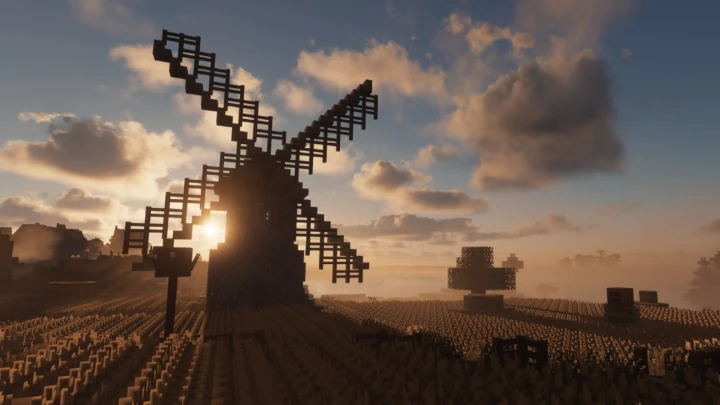
When it comes to photorealistic shaders for Minecraft, Continuum Shaders are known for their detailed visual enhancements.
With pristine water, realistic fog and clouds, detailed shadows, and vibrant colors, Continuum can dramatically change the appearance of Minecraft.
DOWNLOAD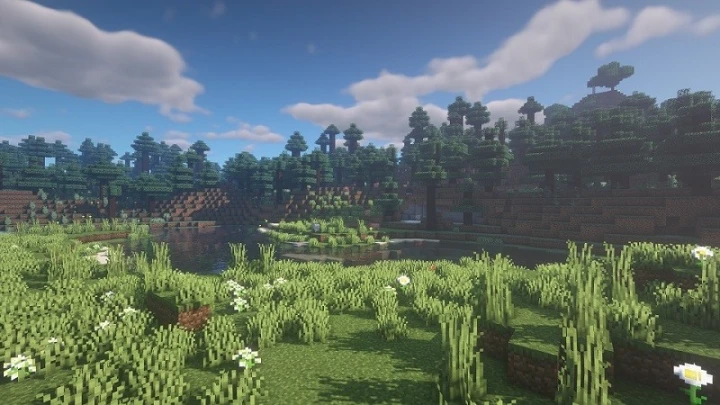
BSL Shaders offer a complete visual overhaul with effects such as depth of field, volumetric lighting and bloom.
One of the main attractions of BSL Shaders is its balance between visual quality and performance.
DOWNLOAD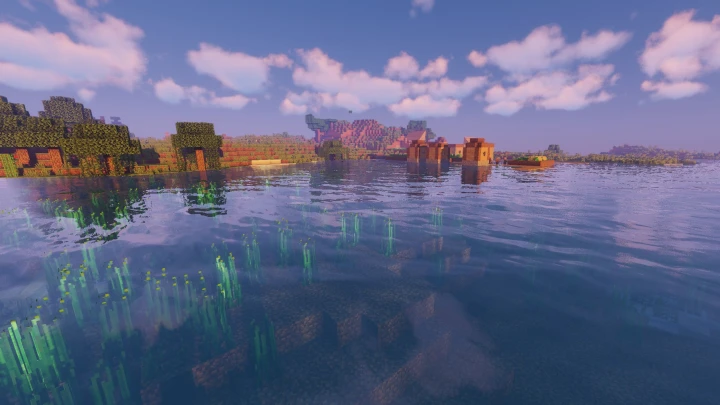
Sildur’s Vibrant Shaders takes a colorful approach, adding impressive lighting effects and saturated colors to Minecraft.
The shader is also highly configurable, allowing players to customize the visual experience.
DOWNLOAD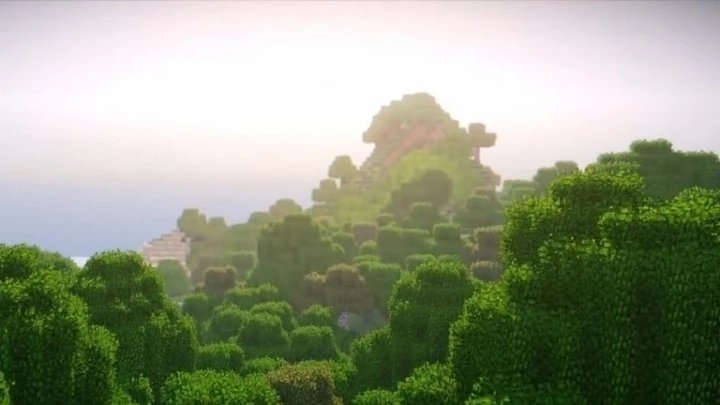
KUDA Shaders aim for a mostly realistic look while improving colors, shadows, reflections and atmospheric effects.
The shader is particularly noticeable in the sky, with detailed clouds and atmospheric effects.
DOWNLOAD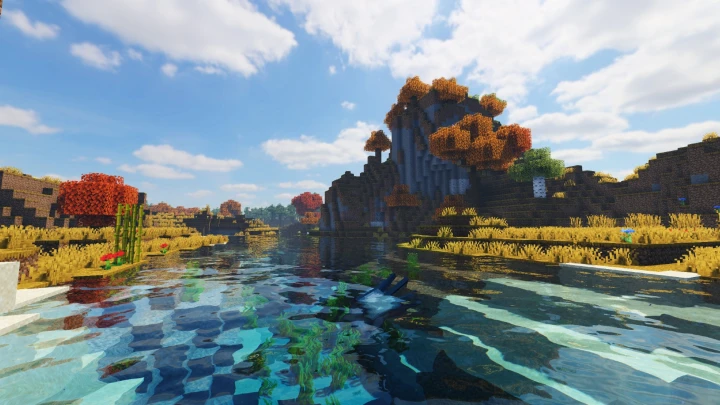
ProjectLUMA is designed to provide an enhanced visual experience while keeping performance requirements relatively reasonable.
It features atmospheric skies, improved lighting and a clean visual style.
DOWNLOAD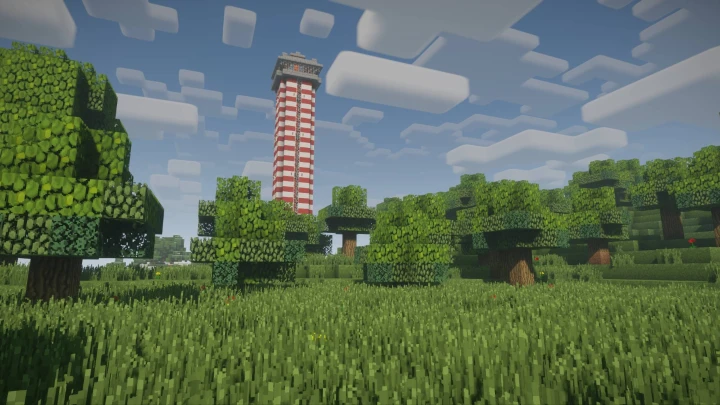
The Nostalgia Shader gives Minecraft a distinctive visual style inspired by classic shader packs.
It keeps much of Minecraft’s recognizable appearance while adding atmospheric lighting and visual effects.
DOWNLOAD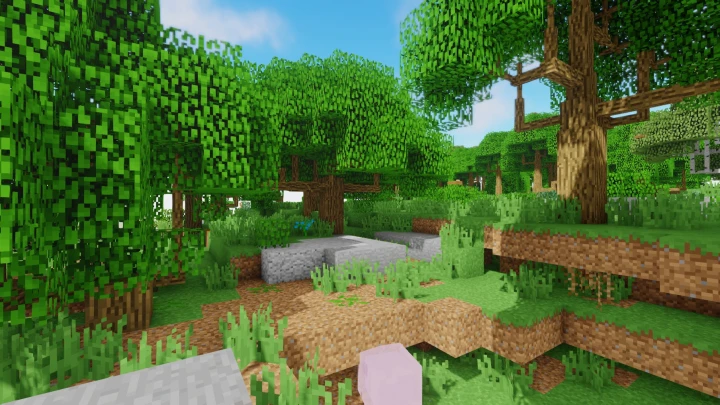
Oceano Shader focuses on vibrant colors and atmosphere rather than strict realism.
Its water effects and colorful visual style create a distinctive Minecraft experience.