Website setup
Icon
Themes
Dark
Copyright

How to install Forge 2

Download Forge from:

https://files.minecraftforge.net
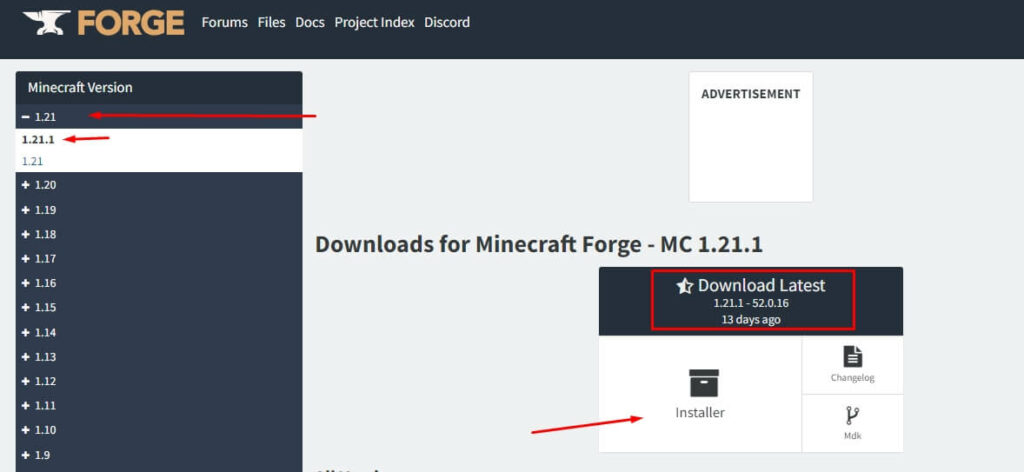
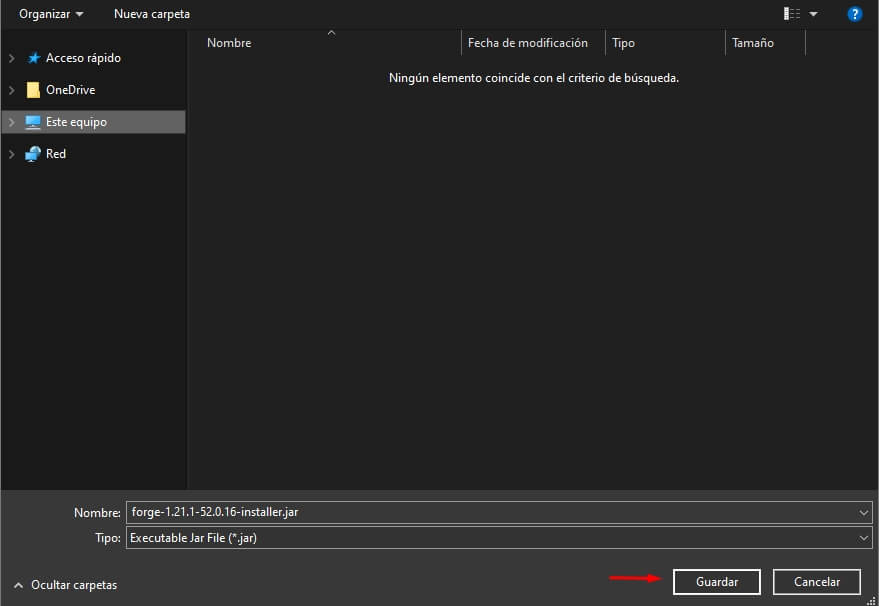
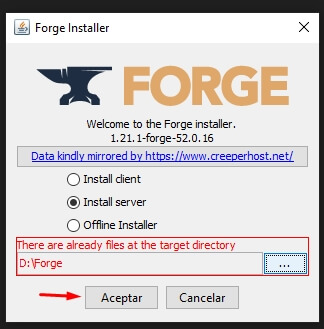
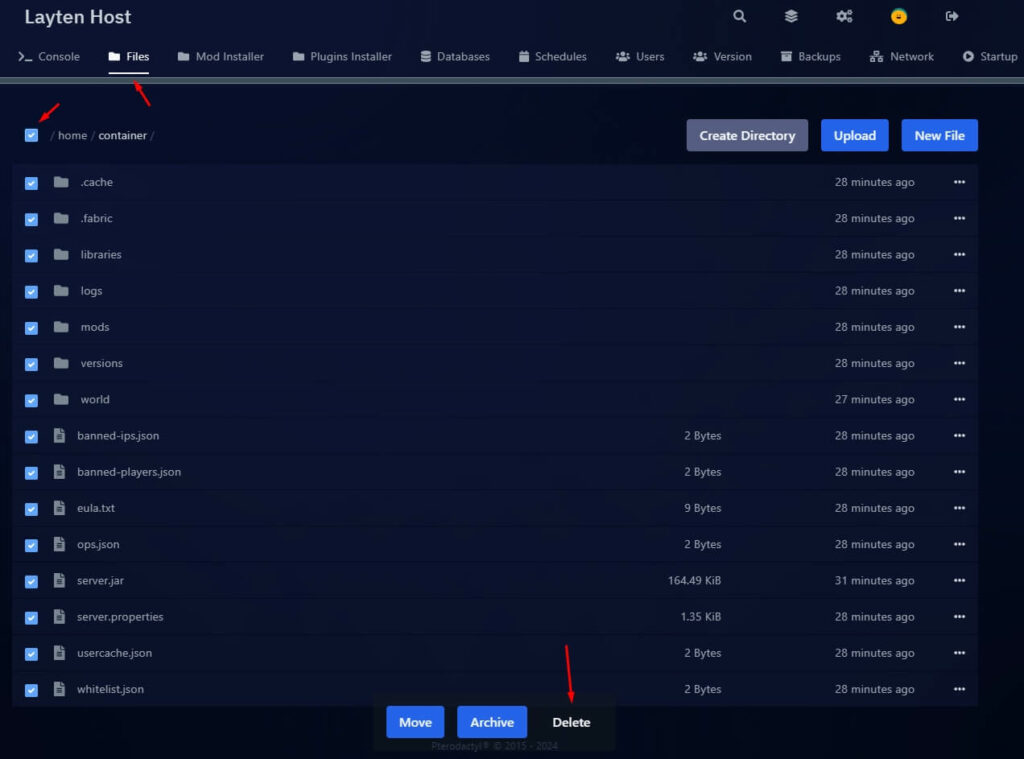
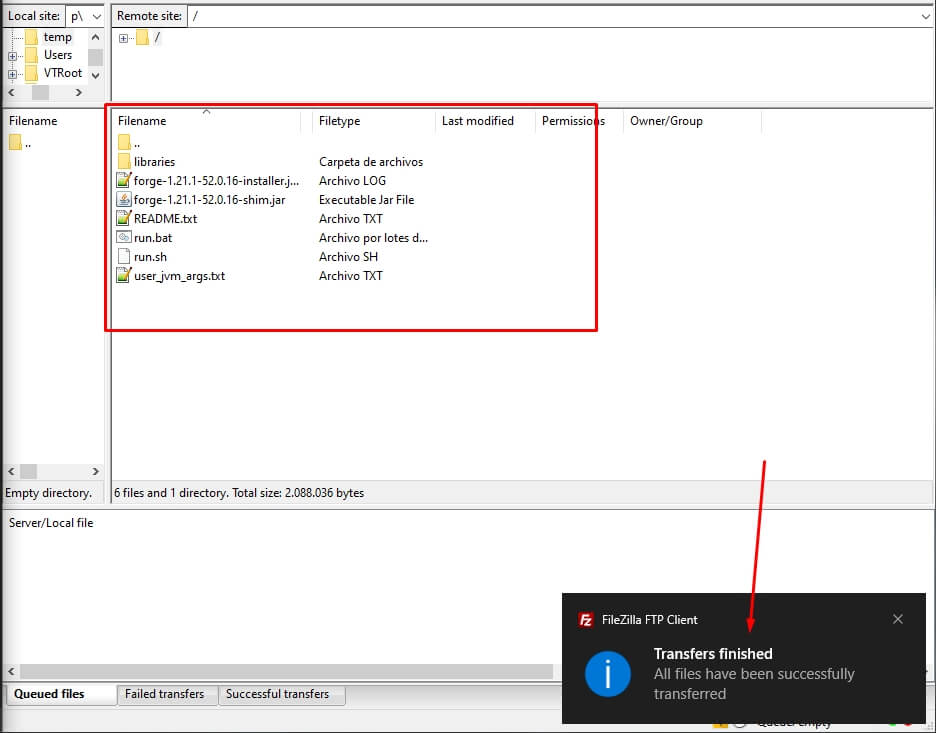
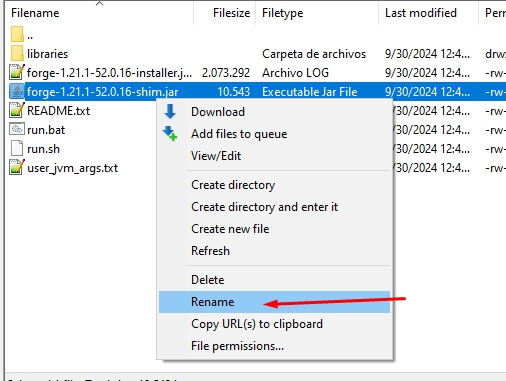
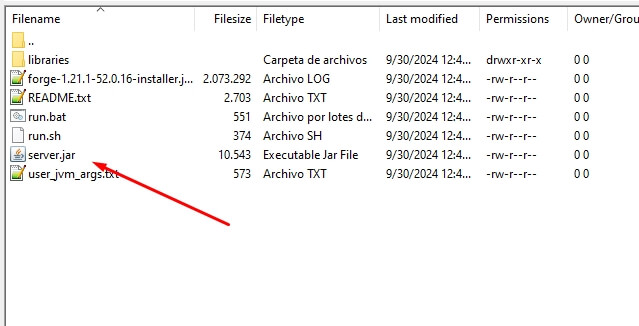
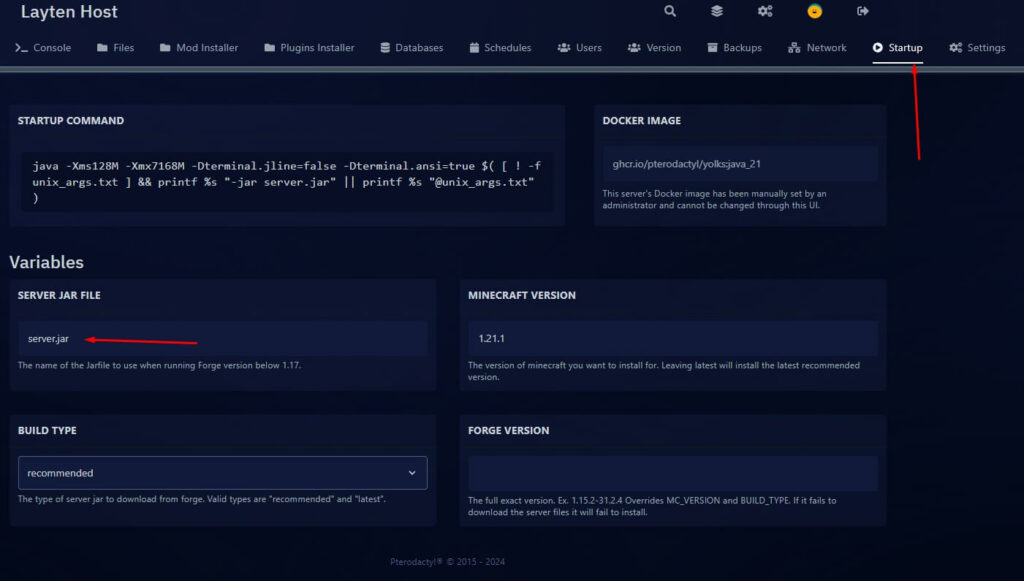
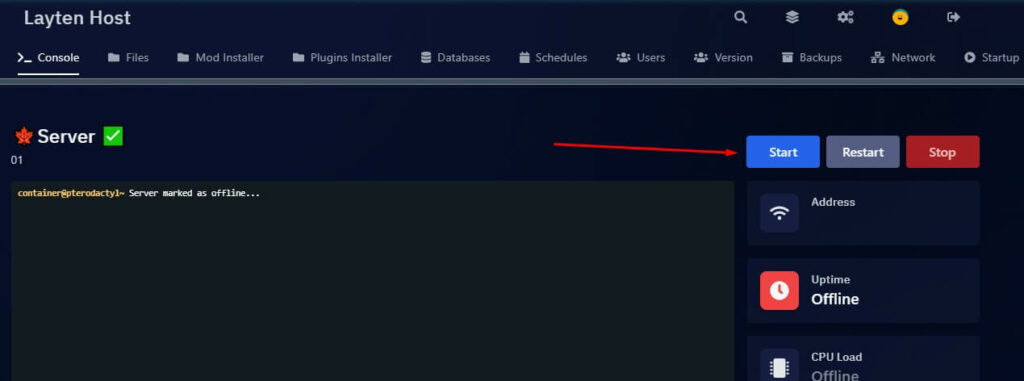
How to install Forge - Step 1
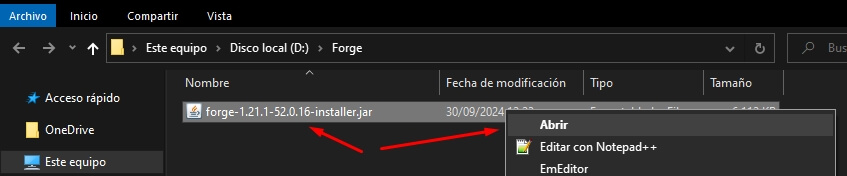
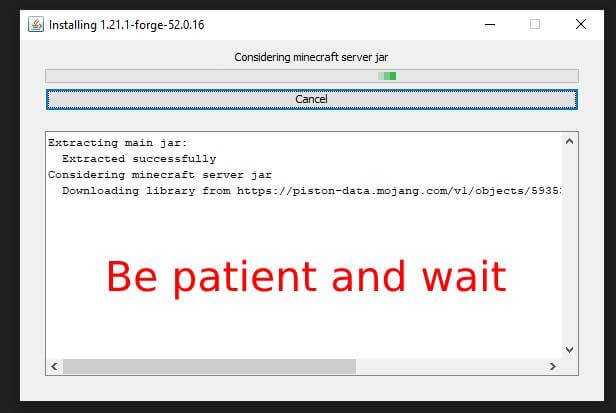
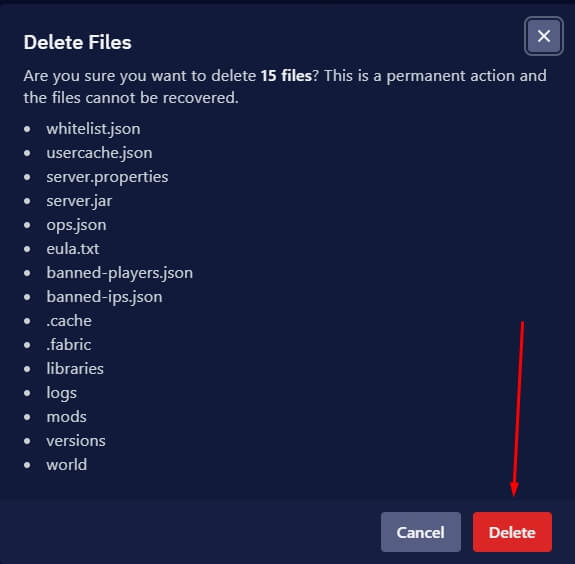
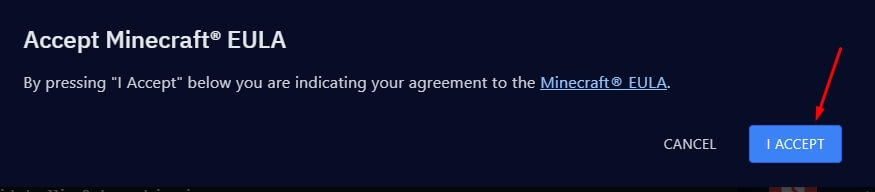
How to install Forge - Step 2
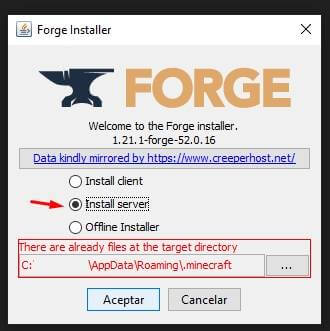
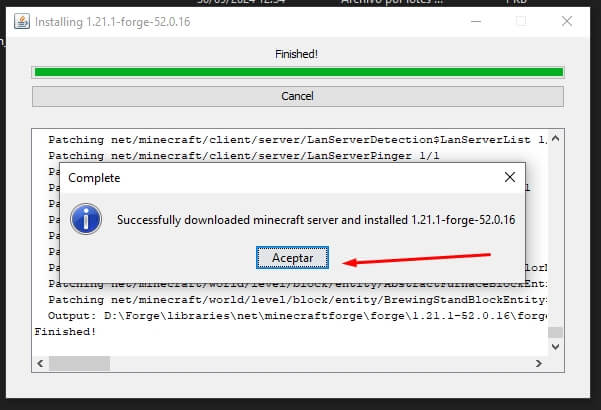
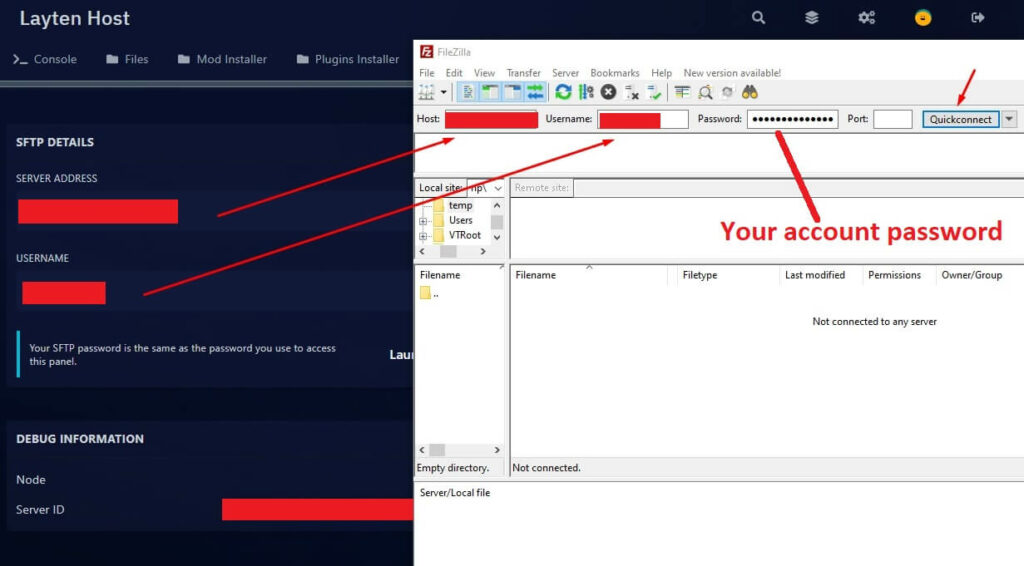
How to install Forge - Step 3
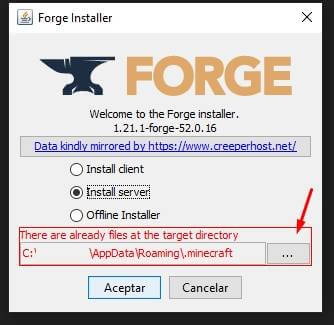
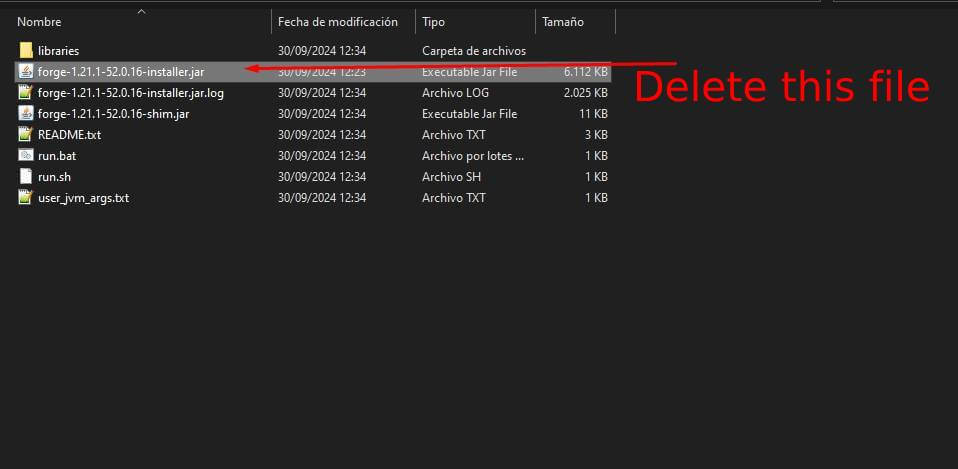
How to install Forge - Step 4
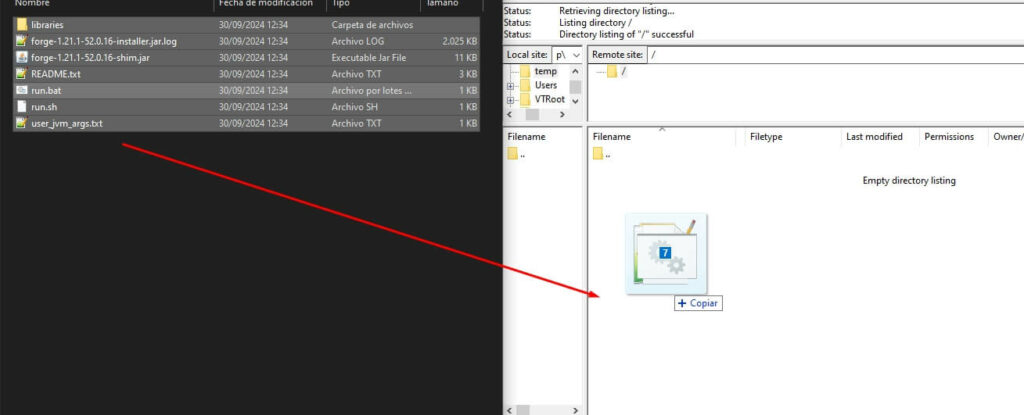
How to install Forge - Step 5
How to install Forge - Step 6
How to install Forge - Step 7
How to install Forge - Step 8
How to install Forge - Step 9
How to install Forge - Step 10

Go to this folder:

libraries\net\minecraftforge\forge

Copy the files:

Forge Server.jar
Forge Universal.jar
unix_args.txt
win_args.txt

And paste them into the Main folder.
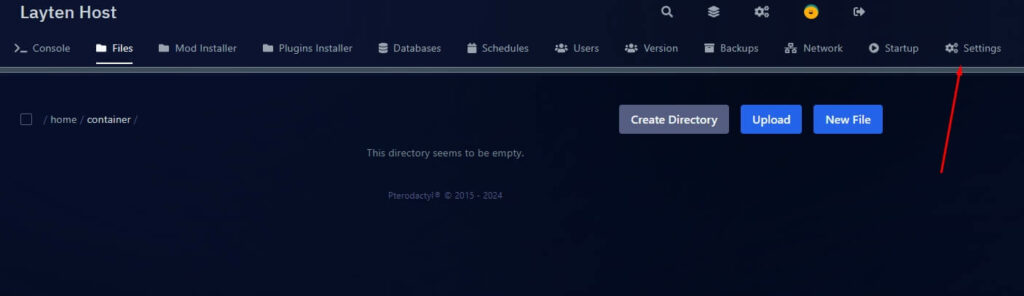
How to install Forge - Step 11
How to install Forge - Step 12
How to install Forge - Step 13
How to install Forge - Step 14
How to install Forge - Step 15
How to install Forge - Step 16
How to install Forge - Step 17
How to install Forge - Step 18
How to install Forge - Step 19
How to install Forge - Step 20
How to install Forge - Step 21