Website setup

Themes
Dark
Copyright
Copyright © 2026, Layten, All Rights Reserved
Copyright © 2026, Layten, All Rights Reserved
Once the map is uploaded to your server
you must download the plugin Multiverse-Core
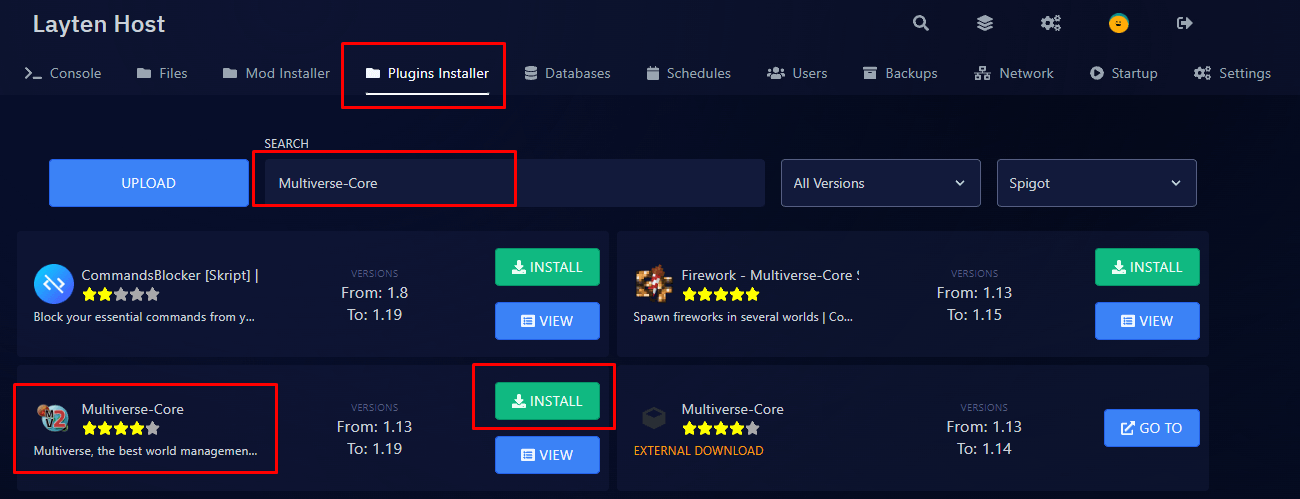
Upload the plugin to your plugins folder
and then restart the server
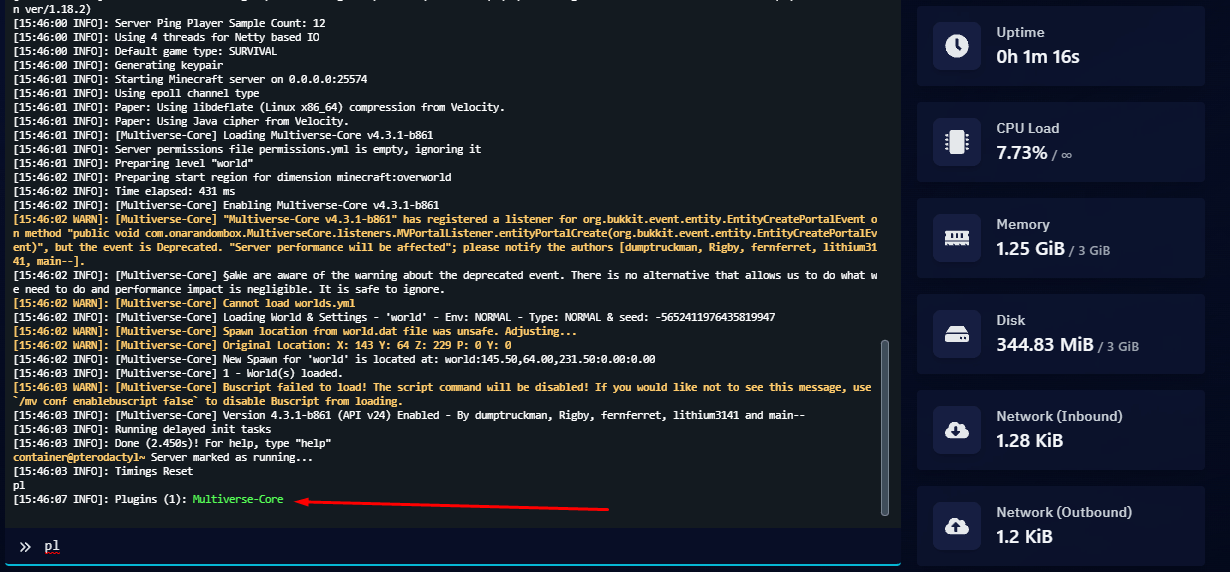
Run
pl
in console to confirm that the plugin is working
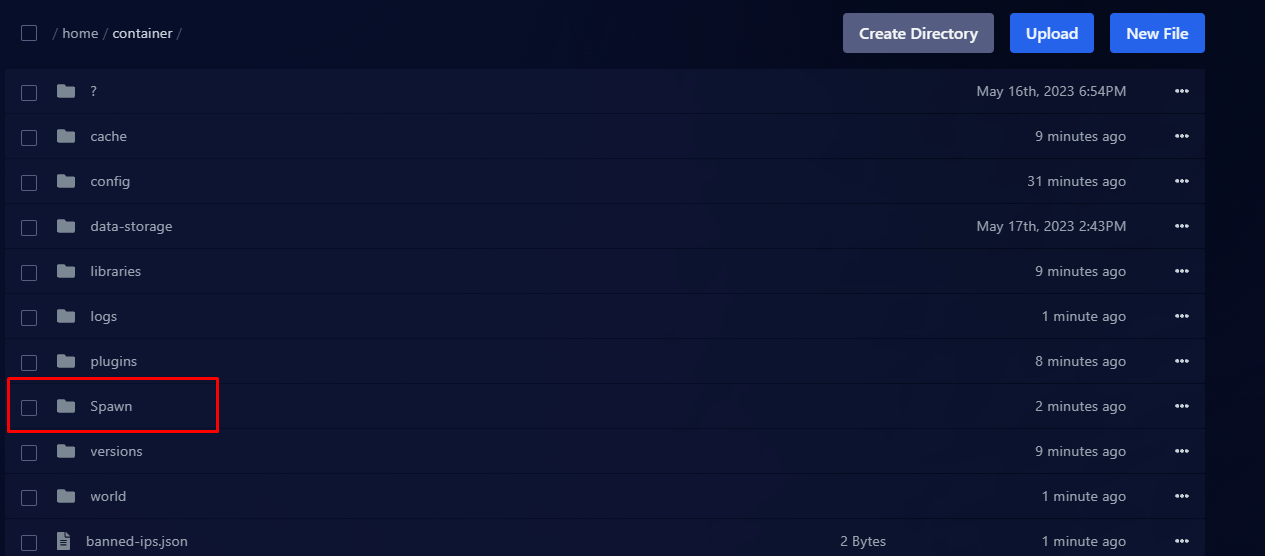
In this case we will use the map name
Spawn
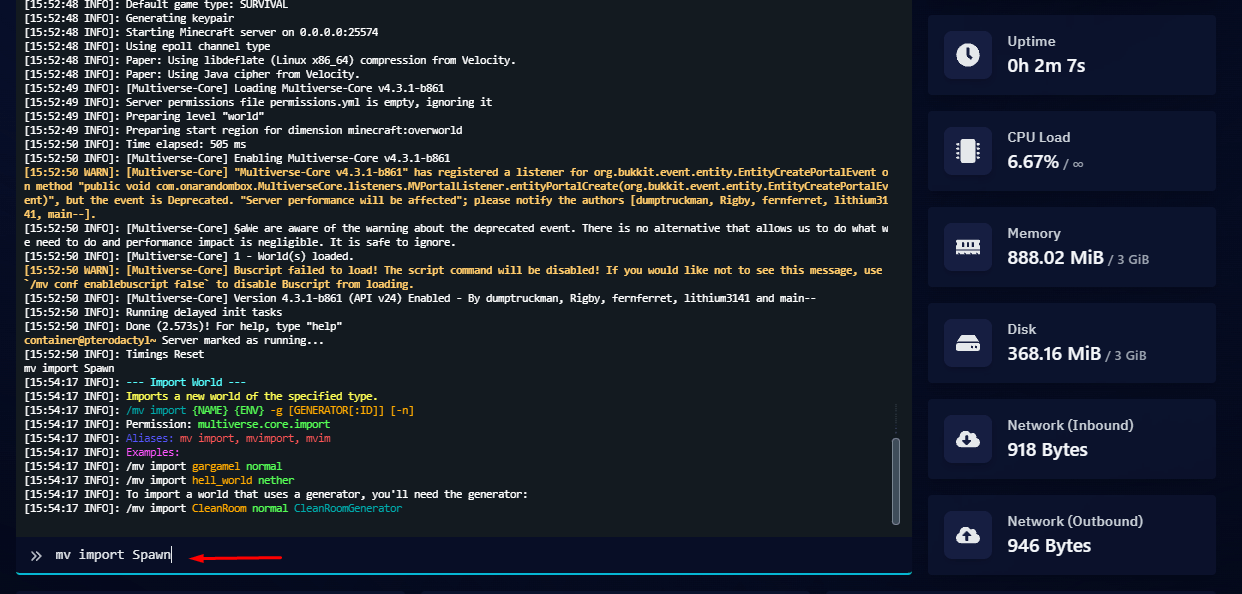
Run the following command:
mv import Spawn
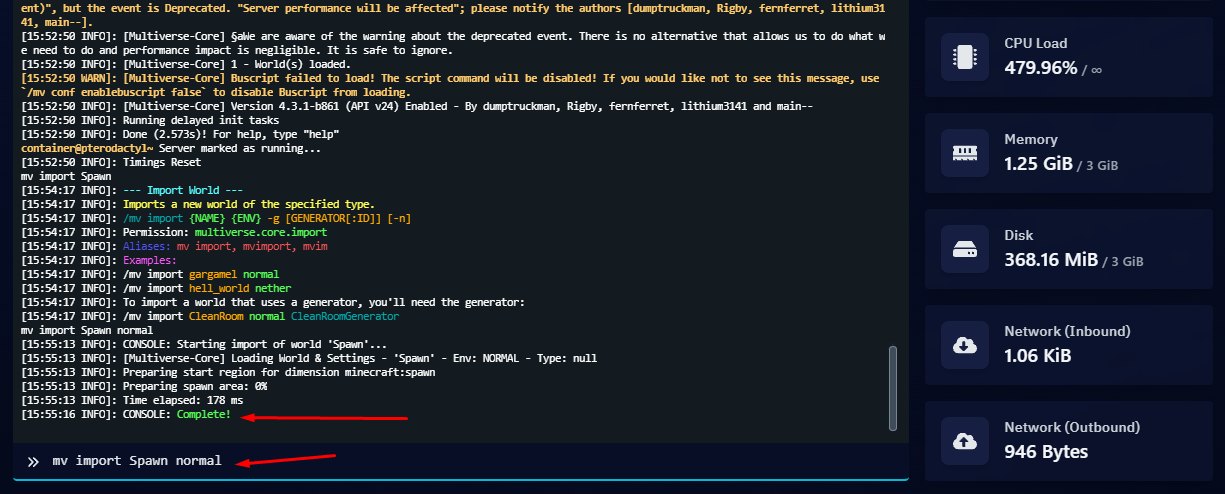
Then run:
mv import Spawn normal
To teleport to the world,
run in the console:
op your nick
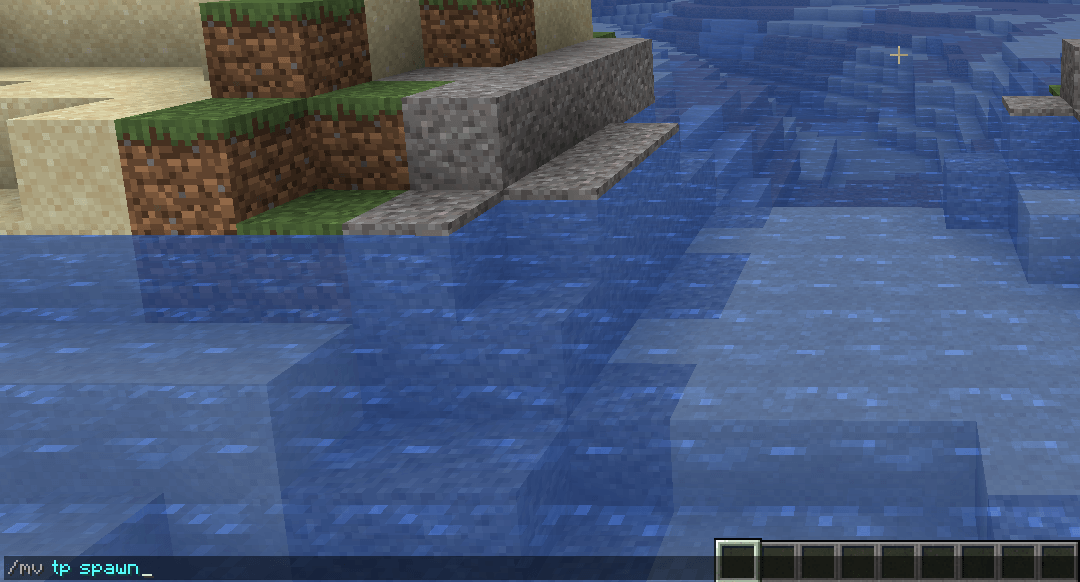
In-game run:
/mv tp map name
or
/mv tp spawn